Beyond Generic AI: Why Context-Aware Terminal Assistants Win at Debugging
You've probably done this before: copy an error message from your terminal, paste it into ChatGPT, and hope the AI can figure out what's wrong. Sometimes it works. Often, the response is generic—applicable to anyone running that command, but not specific to your server, your configuration, or your situation.
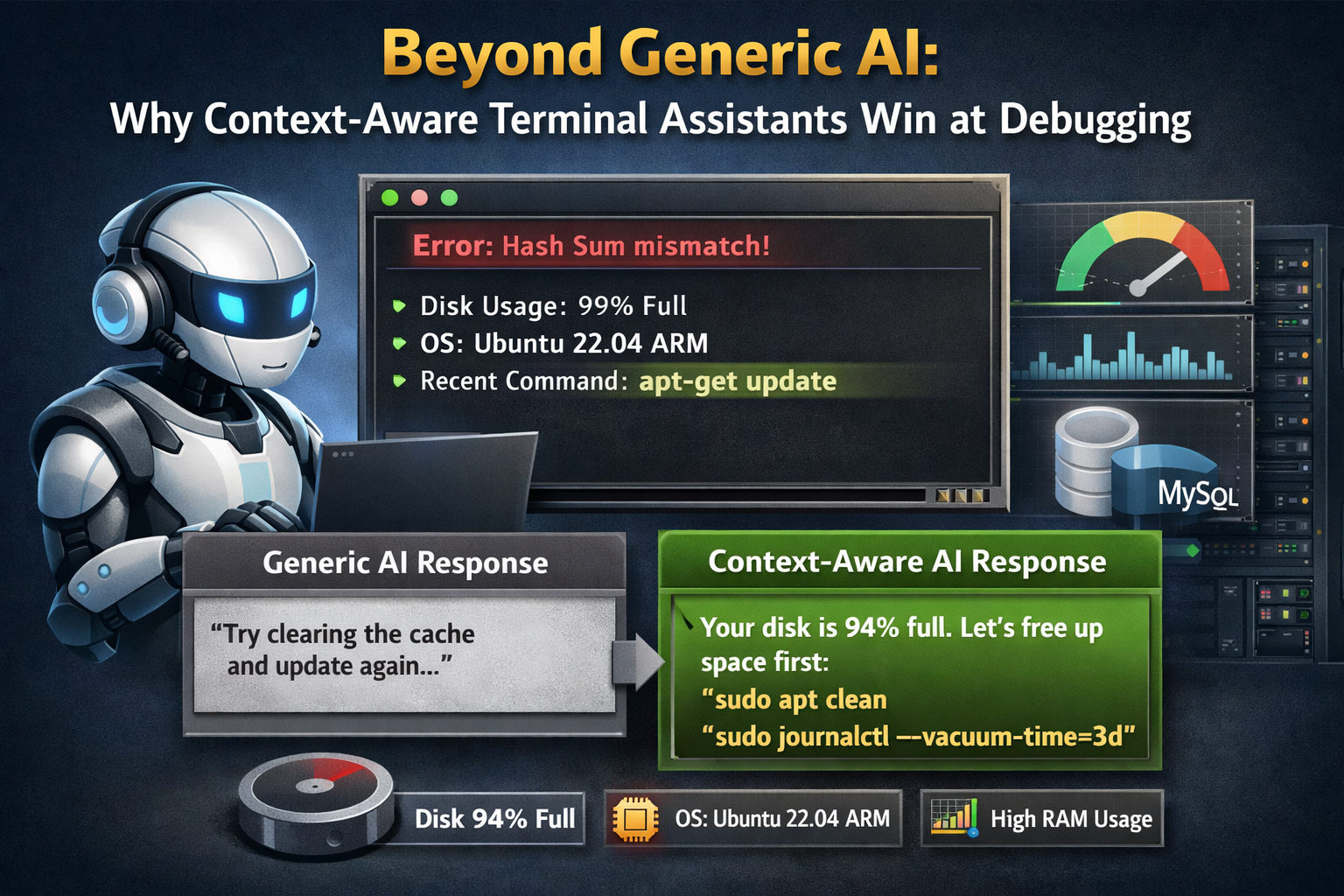
The problem isn't that AI is bad at debugging. The problem is that generic AI lacks context. It doesn't know that your disk is 94% full, that you're running Ubuntu 22.04 on an ARM instance, or that you ran apt-get update two commands ago and it failed. It's flying blind.
What "Context-Aware" Actually Means
Context-aware AI isn't just a buzzword—it describes a specific capability. In CLI Pal, the AI assistant has access to:
- Your terminal output: The AI sees the last N lines of your terminal history. If a command failed, it sees the error. If you're in the middle of a process, it understands the state.
- Your server info: OS version, architecture, hostname, current resource usage (CPU, RAM, disk).
- Real-time metrics: If your disk is at 94%, the AI knows. If your RAM is spiking, the AI factors that in.
- MySQL status (if enabled): Current queries per second, slow query count, buffer pool usage, connection limits.
This isn't information you have to paste manually. It's automatically included in every AI interaction, invisibly enriching the conversation.
A Real Example: Debugging a Failed Apt Update
Let's compare how a generic AI and a context-aware AI handle the same problem.
Scenario
You run sudo apt-get update and it fails with a cryptic "Hash Sum mismatch" error.
Generic AI Response (ChatGPT without context):
"This error typically occurs when package mirrors are out of sync. Try running
sudo rm -rf /var/lib/apt/lists/*and thensudo apt-get updateagain. If that doesn't work, consider switching to a different mirror in /etc/apt/sources.list."
Useful? Sure. But it's the same answer everyone gets. It doesn't consider why your specific system might have this issue.
CLI Pal AI Response (with context):
"I see the Hash Sum mismatch error. Looking at your server's metrics, your disk is at 94% full—apt might not have enough space to write new package lists. Before cleaning apt caches, let's reclaim some space:
sudo apt clean
sudo journalctl --vacuum-time=3d
That should free up a few hundred MB. Once you're below 90%, try
apt-get updateagain. If the hash error persists, we can look at your mirrors."
The difference is night and day. The AI knew the disk was almost full because it could see the metrics in real-time. It didn't just parrot a generic fix—it diagnosed the likely root cause.
Why Context Matters for Debugging
Debugging is fundamentally about understanding state. A bug doesn't exist in isolation—it emerges from the specific combination of your software version, your configuration, your hardware, and the sequence of actions that led to the problem.
Generic AI treats every problem as a fresh start. Context-aware AI carries forward the relevant state:
| Generic AI | Context-Aware AI |
|---|---|
| Sees only what you paste | Sees terminal history automatically |
| Assumes average server config | Knows your exact OS, RAM, disk |
| Can't correlate errors with resources | Factors in CPU/RAM/disk usage |
| Every question starts fresh | Maintains conversation state |
Practical Use Cases
1. "Why is my server slow?"
A generic AI would give you a checklist: check CPU, check RAM, check disk I/O. CLI Pal's AI can look at your current metrics and say, "Your CPU is fine at 12%, but RAM is at 89% and you're 200MB into swap. Let's see what's consuming memory," then suggest ps aux --sort=-%mem | head.
2. "This MySQL query is timing out"
If you have MySQL monitoring enabled, the AI can see your current QPS, whether slow queries are spiking, and even reference the EXPLAIN plan from the optimizer tab. Instead of generic "add an index" advice, it can say, "Your orders table is doing a full scan because there's no index on customer_id. Here's the exact CREATE INDEX statement."
3. "How do I set up a cron job for backups?"
The AI knows you're on Ubuntu 22.04 with systemd, so it might suggest using systemd timers instead of cron for better logging. It can also see your disk usage and warn if there's not enough space for daily backups.
Privacy Considerations
You might wonder: if the AI sees my terminal, is that a privacy risk?
CLI Pal's AI integration is designed with privacy in mind:
- You control what's shared: The AI panel shows you exactly what context is being sent. Nothing hidden.
- Conversation history is yours: You can bookmark useful conversations or delete them.
- No training on your data: We use AI inference, not training. Your commands don't improve the model—they're used for your session only.
Getting the Most Out of Context-Aware AI
Tips for effective AI-assisted debugging:
- Ask naturally: You don't need to phrase questions formally. "Why did that fail?" works as well as "Please explain the error message."
- Let the AI see history: Run your commands in the CLI Pal terminal so the AI can see what happened. If you copy-paste from a different terminal, you lose the context advantage.
- Follow up: If the first suggestion doesn't work, say so. "That didn't work, still getting the error." The AI will try a different approach based on the new output.
- Use it for learning: Ask "why" after any suggestion. "Why does that index help?" The AI can explain the reasoning, helping you learn while you fix.
The Future of Terminal Work
Context-aware AI isn't just a convenience—it's a multiplier for sysadmins and developers. Instead of context-switching between your terminal and a browser, the AI is right there, seeing what you see, ready to help.
If you've been frustrated with copy-pasting errors into ChatGPT and getting generic answers, try CLI Pal. The difference between "AI that might help" and "AI that understands your server" is the difference between guessing and solving.
Start now with 50% Discount and see what context-aware debugging feels like.