MySQL Optimization for WHM, cPanel & Webuzo: AI-Powered Query Tuning
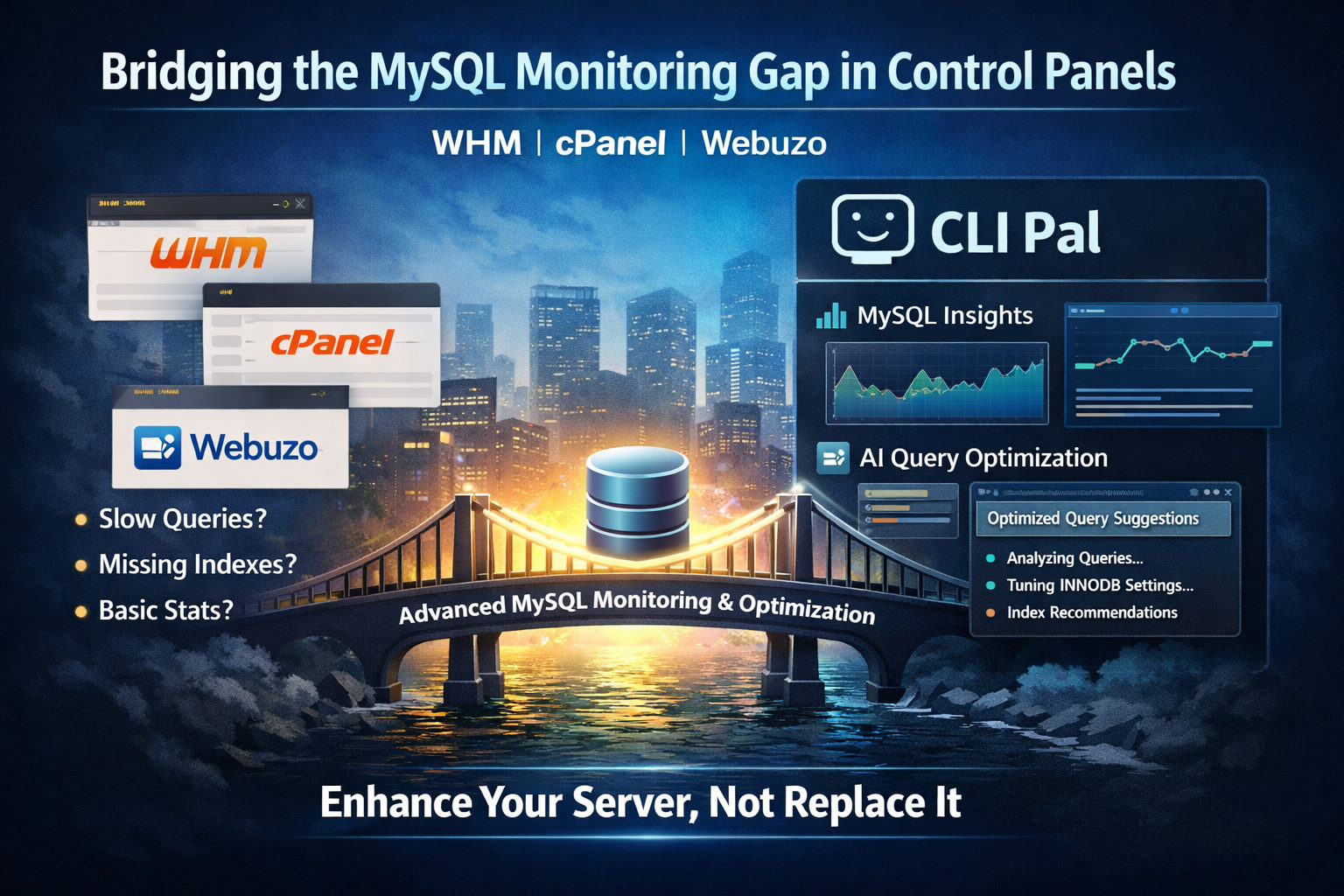
Running a VPS with WHM, cPanel, or Webuzo? Your control panel handles website management beautifully. But when it comes to MySQL performance—slow queries, missing indexes, suboptimal configuration—you're often left digging through phpMyAdmin or running cryptic commands.
CLI Pal bridges this gap. It integrates with your existing panel setup to provide deep MySQL monitoring, AI-powered query optimization, and an intelligent terminal assistant that understands your server context.
The MySQL Monitoring Gap in Control Panels
WHM, cPanel, and Webuzo excel at managing websites, email, and DNS. They show basic MySQL status in their dashboards. But they don't tell you:
- Which queries are consuming the most resources
- Why your WordPress site slows down at peak traffic
- What indexes your WooCommerce database is missing
- How to tune
innodb_buffer_pool_sizefor your specific workload
That's where CLI Pal comes in—without replacing or conflicting with your panel.
How CLI Pal Works With Control Panels
CLI Pal's lightweight agent runs alongside your panel, collecting metrics directly from MySQL's performance_schema. It doesn't modify your panel configuration or compete for resources.
Installation (30 Seconds)
SSH into your WHM, cPanel, or Webuzo server and run:
curl -sSL https://clipal.me/install.sh | sudo bash -s -- \
  --token=YOUR_TOKEN \
  --mysql-root-password=YOUR_MYSQL_ROOT_PASSWORD \
  --enable-performance-schema
The installer:
- Creates a dedicated
clipalMySQL user with read-only monitoring permissions - Enables
performance_schemafor query statistics (safe, minimal overhead) - Starts collecting metrics immediately
Your panel continues running exactly as before. CLI Pal just watches and reports.
Feature 1: Slow Query Detection
Every 5 minutes, CLI Pal scans performance_schema.events_statements_summary_by_digest for queries that are:
- Taking too long (configurable threshold, default 200ms)
- Running too frequently (high execution count)
- Scanning too many rows (inefficient table access)
You get a dashboard showing your slowest queries across all databases—whether they're from WordPress, Magento, Laravel, or custom applications your cPanel users are running.
Real Example from a Webuzo Server
A Webuzo user complained their WooCommerce store was slow. CLI Pal identified this query running 500 times/hour with 3-second average execution:
SELECT * FROM wp_postmeta WHERE meta_key = '_price' ORDER BY meta_value+0 ASCThe problem: no index on meta_key, and the ORDER BY on a computed value prevented index usage.
Feature 2: AI-Powered Index Recommendations
CLI Pal doesn't just show you slow queries—it tells you how to fix them. For each problematic query, the AI:
- Runs
EXPLAINto understand the execution plan - Analyzes the table schema and existing indexes
- Generates specific
CREATE INDEXstatements - Explains why the index will help
For the WooCommerce query above, CLI Pal recommended:
CREATE INDEX idx_postmeta_meta_key ON wp_postmeta (meta_key);Result: Query time dropped from 3 seconds to 15 milliseconds—a 200x improvement.
Feature 3: MySQL Configuration Tuning
WHM's MySQL Configuration Editor and Webuzo's my.cnf editor let you change values. But which values should you change?
CLI Pal's Config Advisor analyzes your server's:
- Available RAM
- Current buffer pool usage
- Query cache hit rates (or why you should disable it on MySQL 8.0+)
- Connection limits vs actual usage
- InnoDB log file sizing
Then it generates specific recommendations with explanations:
Recommendation: Increase
innodb_buffer_pool_sizefrom 128M to 1GWhy: Your server has 4GB RAM and your database is 2GB. Currently, only 6% of data fits in memory, causing excessive disk I/O. With 1GB buffer pool, 50% of data stays cached.
You can apply these changes through WHM's MySQL Configuration or edit /etc/my.cnf directly.
Feature 4: AI Terminal Assistant
This is where CLI Pal truly shines for panel users. The AI Agent understands your server context and helps with tasks that panels don't cover.
Context-Aware Assistance
Unlike generic AI chatbots, CLI Pal's assistant sees:
- Your server's OS and version
- Current CPU, RAM, and disk usage
- Your terminal session output
- Recent commands you've run
Ask it "why is my server slow?" and it doesn't give generic advice. It looks at your actual metrics and says:
"Your RAM is at 94% utilization with MySQL using 2.1GB. Your
innodb_buffer_pool_sizeis set to 2GB but your total RAM is only 4GB. Consider reducing the buffer pool to 1GB or upgrading your VPS."
Common Tasks It Helps With
Panel users frequently need help with tasks their panel doesn't expose:
- "How do I check which PHP-FPM pool is using the most CPU?"
The AI provides the exact commands and interprets the output. - "My cPanel backup failed with error code 2"
It explains what error code 2 means and suggests fixes. - "How do I enable MySQL slow query log?"
Step-by-step instructions tailored to WHM/cPanel or Webuzo. - "This WordPress site keeps getting hacked"
It helps you find malicious files and suggests hardening steps.
Command Suggestions
The AI suggests commands you can run directly in the integrated terminal. One click to execute, and the AI sees the output to help you interpret it.
Why Not Just Use phpMyAdmin?
phpMyAdmin is great for browsing data and running ad-hoc queries. But:
- It doesn't track query performance over time
- It doesn't correlate slow queries with server load
- It doesn't suggest indexes or configuration changes
- It's reactive—you go there when something is already broken
CLI Pal is proactive. It continuously monitors and alerts you before users notice problems.
Ideal For Multi-Site Hosting
If you're running a WHM server with multiple cPanel accounts, or a Webuzo server with multiple websites, CLI Pal aggregates all database activity into one view.
See which client's WordPress is hammering the database. Identify the WooCommerce store with the missing index. Spot the Laravel app running unoptimized Eloquent queries.
All without logging into each cPanel account or database individually.
Security: Read-Only by Design
The clipal MySQL user has only these permissions:
PROCESS: View running queriesSELECT ON performance_schema: Read query statisticsSHOW VIEW: See view definitions
It cannot modify data, drop tables, or access user credentials. Your panel remains in full control.
Getting Started
Whether you're running WHM/cPanel, Webuzo, or bare-metal with your own setup, CLI Pal integrates in under a minute:
- Create a CLI Pal account
- Add your server to get a unique token
- Run the one-line installer via SSH
- Watch your MySQL insights populate in real-time
Your control panel handles the hosting. CLI Pal handles the optimization. Together, they make a VPS that runs smoothly even under heavy database load.
Try CLI Pal and see what your MySQL is really doing.