PHP-FPM Monitoring Without Nginx: Direct FastCGI Socket Access
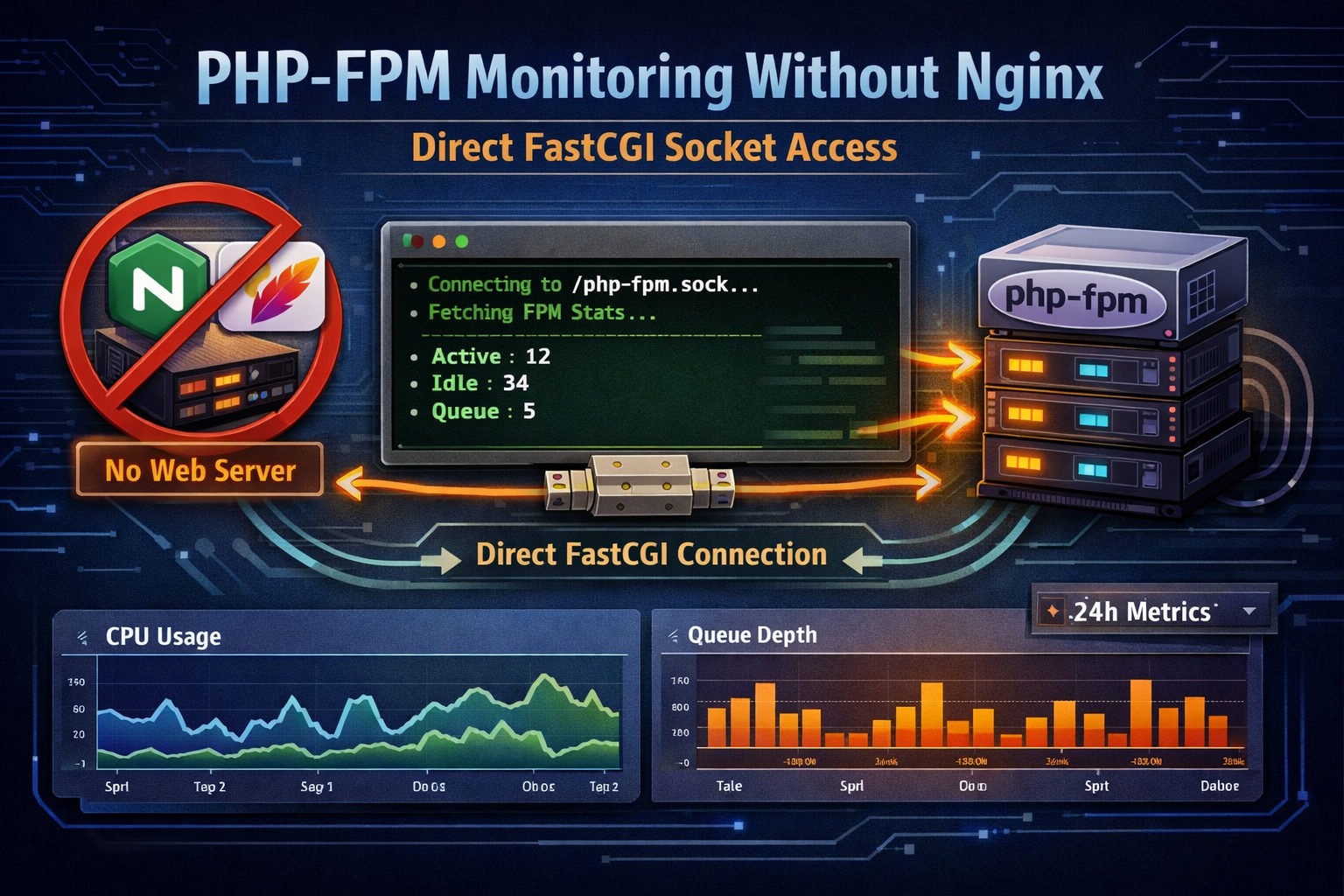
Most PHP-FPM monitoring tutorials tell you to set up an Nginx location block, expose a status URL, and scrape it with HTTP. But what if you don't want to expose another endpoint? What if you're running Apache, or no web server at all on that socket?
CLI Pal's PHP-FPM monitor takes a different approach: it talks directly to PHP-FPM using the native FastCGI protocol over Unix sockets or TCP. No web server proxy needed.
Why Direct FastCGI Access?
Traditional PHP-FPM monitoring requires:
- Enabling
pm.status_pathin your PHP-FPM pool config - Creating an Nginx/Apache location to proxy requests to the status path
- Optionally restricting access by IP
- Scraping the HTTP endpoint with curl or a monitoring agent
This works, but it has downsides:
- Web server dependency: Your monitoring breaks if Nginx restarts or misconfigures
- Security surface: Another HTTP endpoint to potentially expose
- Configuration complexity: More moving parts between PHP-FPM and your monitoring tool
Direct FastCGI communication eliminates the middleman. The agent connects to the same Unix socket your web server uses and speaks FastCGI natively.
What Metrics Does It Collect?
CLI Pal's PHP monitor collects real-time metrics from each PHP-FPM pool:
| Metric | What It Tells You |
|---|---|
| Active Processes | Workers currently handling requests |
| Idle Processes | Workers waiting for requests (your capacity buffer) |
| Listen Queue | Requests waiting because all workers are busy (should be 0) |
| Max Children Reached | Times PHP-FPM hit the process limit (indicates undersized pool) |
| Accepted Connections | Total requests handled since pool start |
| Slow Requests | Requests exceeding the slowlog threshold |
The Critical Metric: Listen Queue
If listen_queue is greater than zero, requests are waiting in line because all PHP workers are busy. This is the first sign your application is under-provisioned or has slow code paths blocking workers.
CLI Pal tracks this over time so you can correlate queue spikes with traffic patterns or deployment changes.
Multi-Pool Monitoring
Many production setups run multiple PHP-FPM pools—one per site, one per user (common with Webuzo, cPanel, or Plesk), or separate pools for different PHP versions.
CLI Pal supports monitoring all of them simultaneously. The dashboard shows aggregated totals at a glance, with per-pool breakdowns below:
- Aggregated stats cards: Total active/idle processes across all pools
- Per-pool details: Each pool's health status, process counts, and queue depth
- 24-hour charts: Historical view of combined process usage and queue depth
Slow Request Tracing
Beyond real-time metrics, CLI Pal tails your PHP-FPM slow logs to capture stack traces when requests exceed the configured threshold (typically 5+ seconds).
Each slow trace includes:
- Timestamp: Exactly when the slow request occurred
- Pool name: Which pool handled the request
- Script path: The PHP file that was called
- Full stack trace: The call stack at the moment of capture
This is invaluable for debugging production performance issues. Instead of guessing which code path is slow, you see the exact function call that was blocking.
Enabling the Slowlog
To capture slow traces, add these to your PHP-FPM pool config:
slowlog = /var/log/php-fpm/slow.log
request_slowlog_timeout = 5s
Requests taking longer than 5 seconds will dump a stack trace. CLI Pal picks these up automatically.
One-Command Installation
Adding PHP-FPM monitoring to an existing CLI Pal agent is a single flag:
curl -sSL https://clipal.me/install.sh | sudo bash -s -- \
  --token=YOUR_TOKEN \
  --enable-php-monitoring
The installer automatically:
- Detects PHP-FPM sockets: Searches common paths for Unix sockets and TCP listeners
- Verifies FastCGI connectivity: Tests that
pm.status_pathis enabled and accessible - Locates slowlog files: Finds existing slow logs for stack trace collection
- Configures the agent: Writes socket paths to
/opt/clipal/clipal.conf
Manual Socket Configuration
If auto-detection doesn't find your socket (custom paths, containerized setups), specify it manually:
curl -sSL https://clipal.me/install.sh | sudo bash -s -- \
  --token=YOUR_TOKEN \
  --enable-php-monitoring \
  --php-socket=unix:///var/run/php/php8.2-fpm.sock
For TCP-based PHP-FPM:
--php-socket=tcp://127.0.0.1:9000Multi-Pool Configuration
For servers with multiple PHP-FPM pools (e.g., one per website user), edit /opt/clipal/clipal.conf after installation:
# PHP-FPM Monitoring
php_enabled=true
php_fpm_pools=[{"name":"site1","socket":"unix:///var/run/php-site1.sock","status_path":"/status"},{"name":"site2","socket":"unix:///var/run/php-site2.sock","status_path":"/status"}]
Then restart the agent:
sudo systemctl restart clipal-agentRequirements
For PHP-FPM monitoring to work, you need:
- pm.status_path enabled in your PHP-FPM pool config:
pm.status_path = /status - Socket accessible by the agent: The CLI Pal agent runs as root, so socket permissions are typically not an issue
- (Optional) Slowlog enabled: For capturing stack traces of slow requests
How It Works Under the Hood
For the technically curious: CLI Pal implements the FastCGI protocol directly in Python. Here's the flow:
- Connect to Unix socket (or TCP port)
- Send
FCGI_BEGIN_REQUESTrecord with RESPONDER role - Send
FCGI_PARAMSwithSCRIPT_NAME=/statusandQUERY_STRING=json&full - Send empty
FCGI_STDINto signal request end - Read
FCGI_STDOUTrecords untilFCGI_END_REQUEST - Parse the JSON response
This is exactly what Nginx does when proxying to PHP-FPM—we just skip the HTTP layer entirely.
Why This Matters
PHP-FPM is the runtime for your application. When it's overloaded, users see slow page loads or timeouts. When it's under-provisioned, you're leaving performance on the table.
Monitoring it shouldn't require Nginx configuration or exposing HTTP endpoints. Direct FastCGI access gives you the same metrics with less complexity and fewer security concerns.
Combine this with CLI Pal's MySQL monitoring, and you've got visibility into both your application runtime and your database—the two most common sources of performance problems.
Get started with CLI Pal and enable PHP-FPM monitoring on your next deployment.